Vehicle Opt Out Window
The Vehicle Opt Out window is used to unsubscribe a customer from receiving campaign communications created for a vehicle.

|
To access the Vehicle Opt Out window, click the |
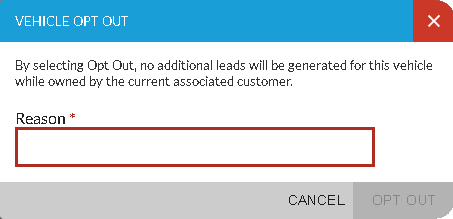
To unsubscribe the customer from receiving campaign communications for the vehicle, enter the reason for unsubscribing in the Reason field. Then click the OPT OUT button. The Vehicle Opt Out window closes, and the customer is unsubscribed.
In addition, the following information displays in the Recent Contact section of the Lead Sheet panel:
-
 (
( -
Date the customer was
-
Entry in the Reason field on the
-
User ID of the employee who
Click here for a list of products that may be mentioned in this help file.